

(OPEN BETA)Technician Computer Editor
Free desktop app for Windows and macOS
The Technician Editor connects directly to your Technician pedal over USB and gives you full control over every preset, global setting, and firmware update — all from your computer.
Backup your pre-3.0 presets
If you updated your pedal from firmware older than 3.0, your hardware presets were stored in the old format and need to be pulled into the library before they can be fully managed.
- Connect your pedal and go to the Library tab.
- Click Back up pre 3.0 presets (bottom-middle under "Hardware Presets" in the "Library"l).
- The app reads all 100 hardware slots, converts them, and imports them into your library under the Pre-3.0 Backup category.
- Rename or delete any slots you don't need, then do a normal export to save the result.
You only need to do this once — after that, your presets live in the library and export normally.
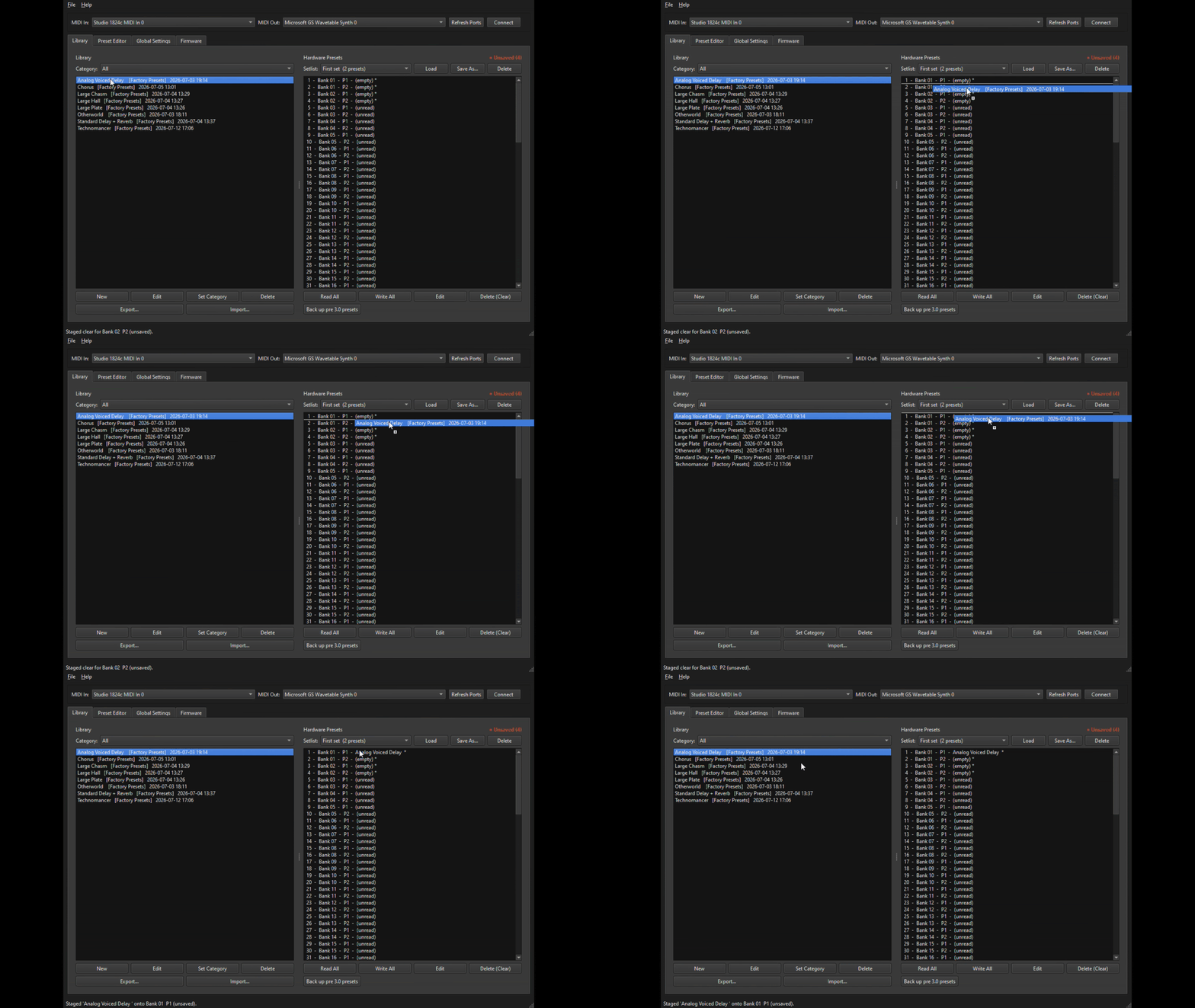
Preset Library
- Browse, organise, and manage an unlimited local library of presets
- Drag presets between your library and the pedal's 100 hardware slots
- Organise presets into categories
- Export your entire library (or just selected presets) to a file to share with friends/community.
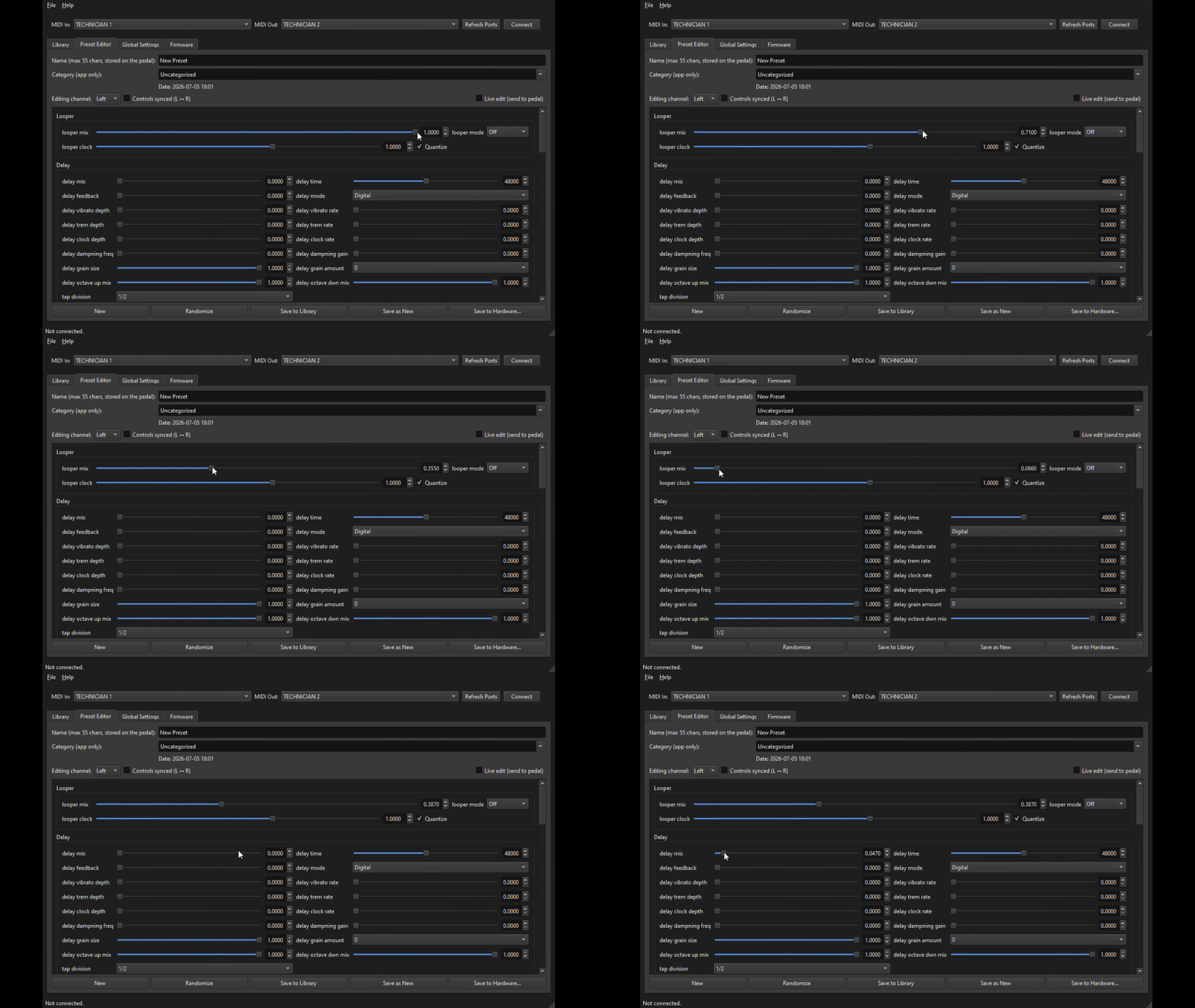
Preset Editor
Edit — every effect parameter of any preset.
Expression — all expression-mapped parameters
Randomize any preset with one click to discover new sonic possibilities
Live edit — parameter changes are sent to the pedal in real time while you dial in your sound
Write — directly to any hardware bank and preset slot
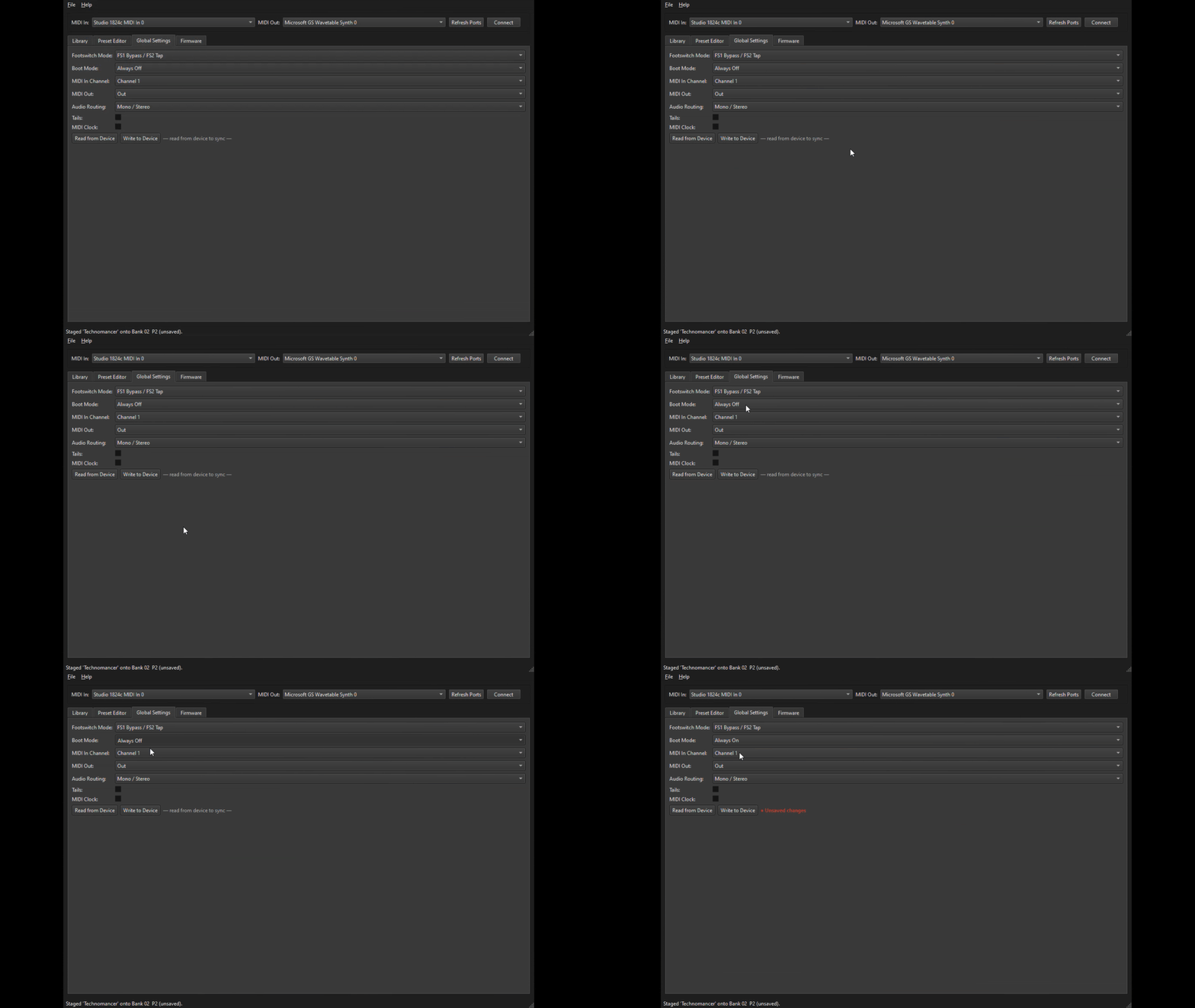
Global Settings
- Footswitch Mode
- Boot Mode (Always Off / Always On / Remember Last State)
- MIDI In Channel (Ch 1–16 or Off)
- MIDI Out (Out / Thru)
- Audio Routing (Mono/Stereo, Mono Series, Mono → Stereo, Stereo → Mono)
- Tails on/off
- MIDI Clock on/off
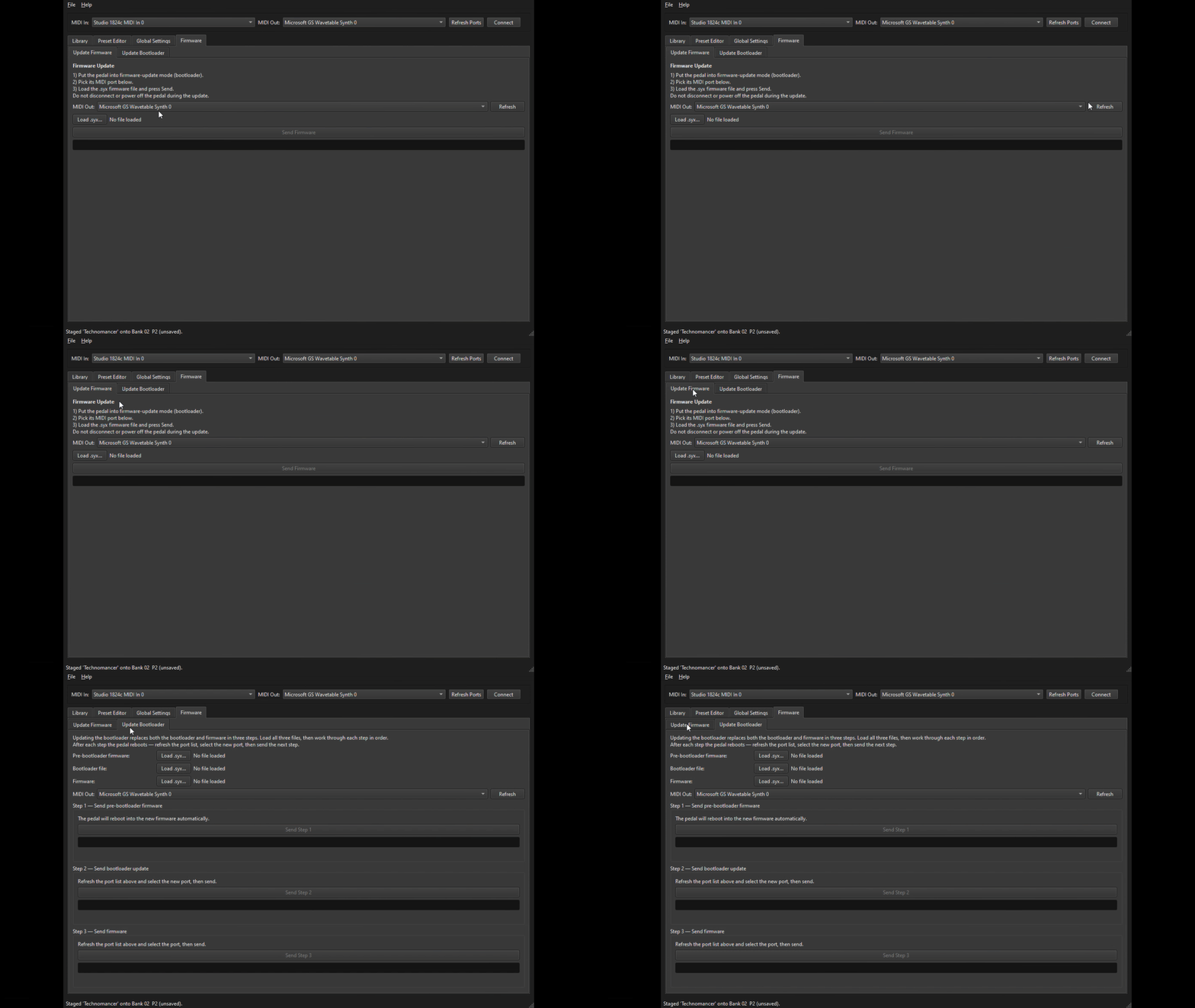
Firmware & Bootloader Updates
One-click firmware update over USB and bootloader update
Requirements
Give your customers useful information about your products and showcase differences between them.
Windows 10 or later / macOS (Intel and Apple Silicon)
Technician pedal connected via USB